
Shotty makes beautiful, repeatable retina-ready screenshots of your terminal, right from your Mac terminal. Perfect for showing off your CLI tool in docs.
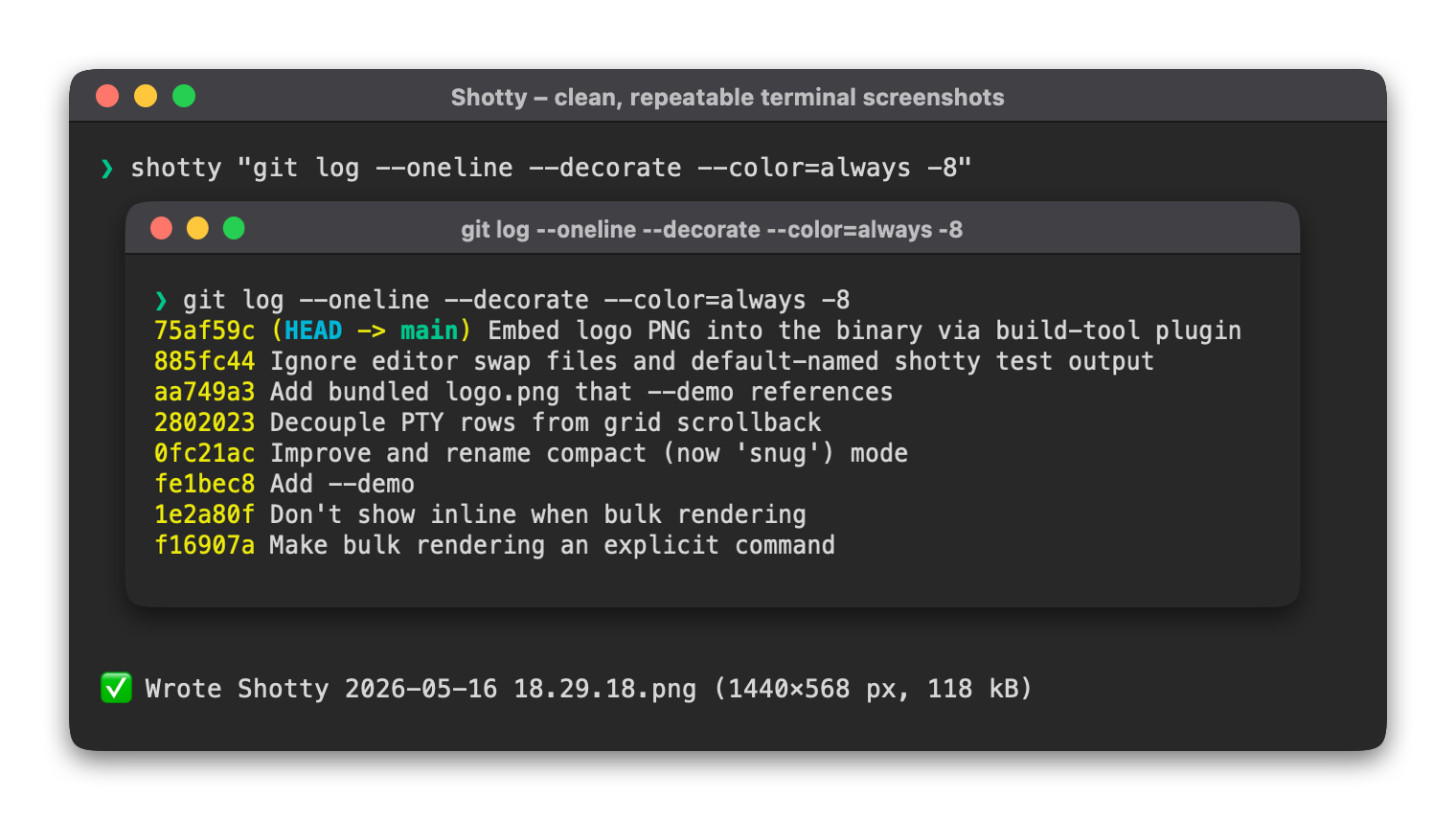
Above: Shotty screenshot of Shotty screenshotting git
Find your path
-
Install
Quickstart Take your first shot, in seconds. -
Code screenshots Pair with
bat(or any syntax highlighter) for one-liner social-media-ready code shots — no web app, no copy-paste. -
Keep doc screenshots in sync Define every shot once in
shotty.toml, regenerate with one command, no more manual grunt work. -
Reference Every flag in CLI reference. Every key in config schema.
Under the hood
Each of the workflows above is built on these underlying features. Read about them when you want the full picture:
- Terminal emulation — what ANSI/Unicode is supported, what isn't
- Inline images — receiving and emitting iTerm2 OSC 1337 + Kitty graphics
- Atomic writes & idempotency — temp + rename, refuse-non-PNG, skip-if-unchanged
--timeoutand the cursor — capturing pagers and TUIs as live snapshots
What sets it apart
You'll find a lot of "screenshot a terminal" tools out there. Shotty's
pitch isn't the rendering (though it's nice) — it's that you describe
every screenshot once in shotty.toml, and one command keeps them all in
sync. PNGs that decode to identical pixels are silently skipped, so file
watchers stay quiet and Git stays clean. CI can fail when shots drift.
This site itself works that way. See
shotty.toml
in the repo for the recipe behind every image you'll see on these pages.
Not yet
Shotty targets line-oriented command output (ls, git, tree, bat,
cargo, build logs). Full TUI apps like vim or htop use the alternate
screen and absolute cursor positioning — neither is fully emulated yet.
For pagers and TUI startup screens, --timeout works
as a "snapshot whatever's on screen" escape hatch.