Quickstart
If you haven't installed Shotty yet, see Install Shotty. Three lines, no runtime deps; only tested on macOS 26 so far.
Your first screenshot
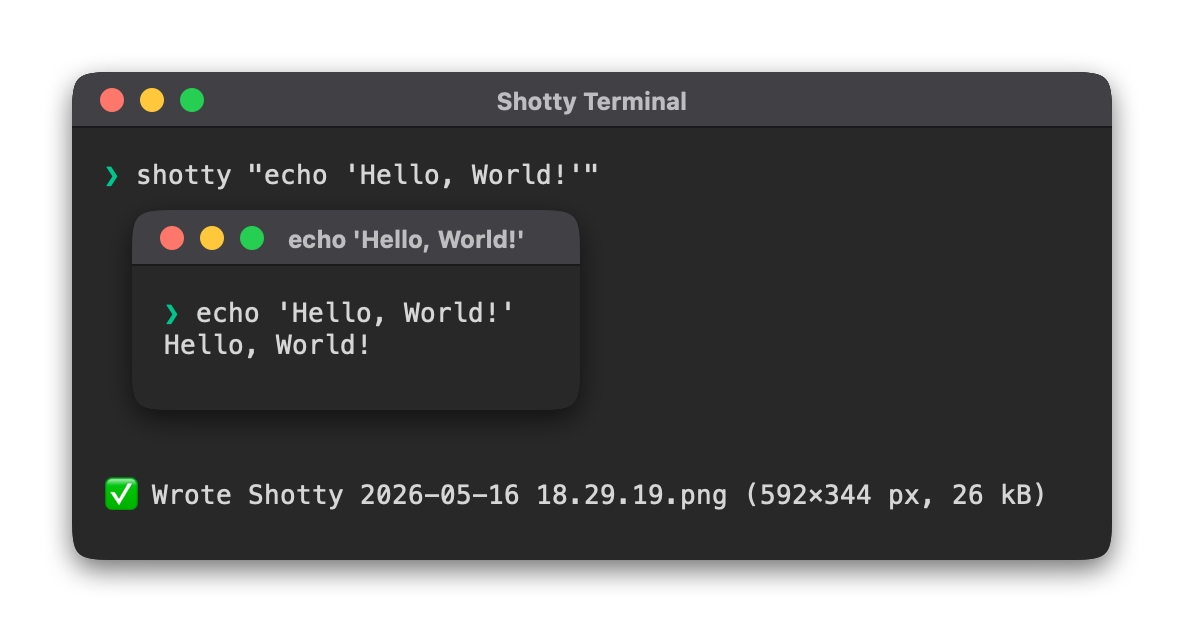
That's a single positional argument, treated as a shell command line.
The output gets a green ❯ prompt header above it (so it reads like
the interactive shell you actually use), and lands at a timestamped
path in the current directory (e.g.
Shotty 2026-05-02 19.22.56.png). Pass -o some/path.png to
override.
Where to next
- Basic usage — the everyday flags: invocation forms, output paths, sizing, titles, fonts, chrome.
- Advanced usage — pagers and TUIs, CI gates, inline image capture, metadata embedding.
- Keep doc screenshots in sync — the
shotty.tomlworkflow for OSS projects.